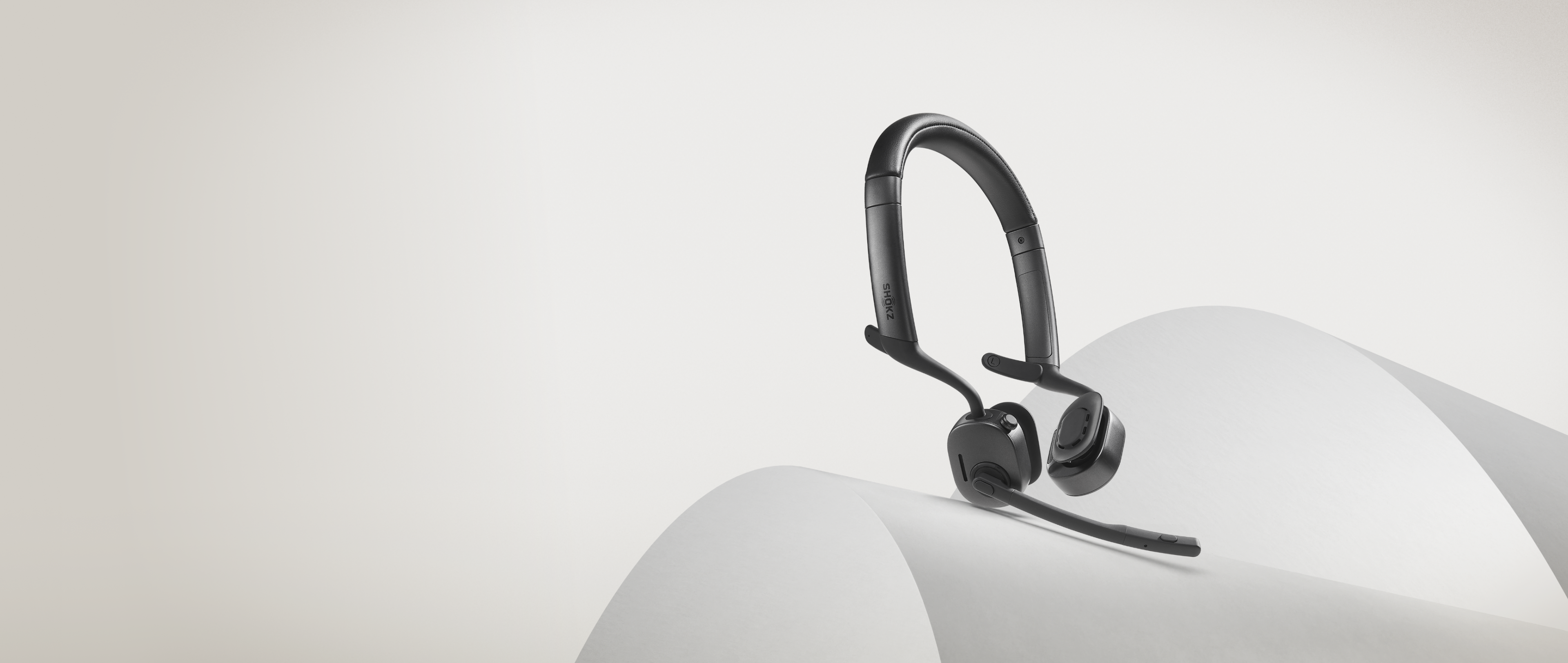


Open-Ear Design.
Comfort Without Compromise.

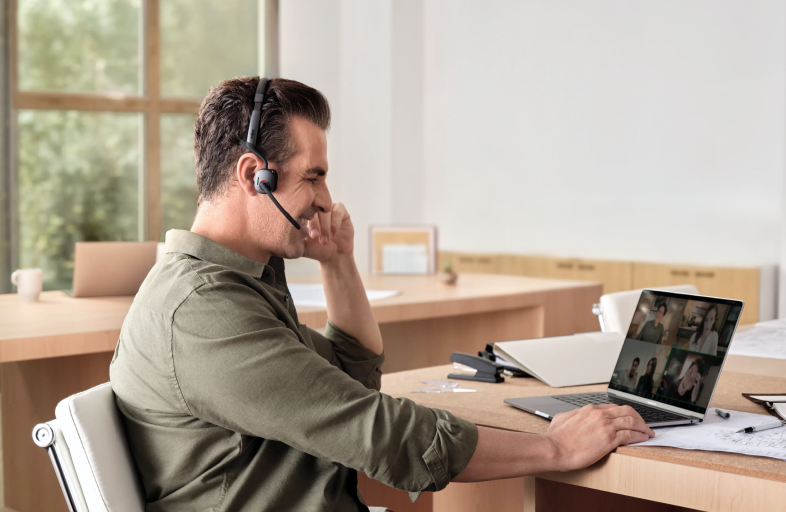
Stay cool and comfortable all day long.
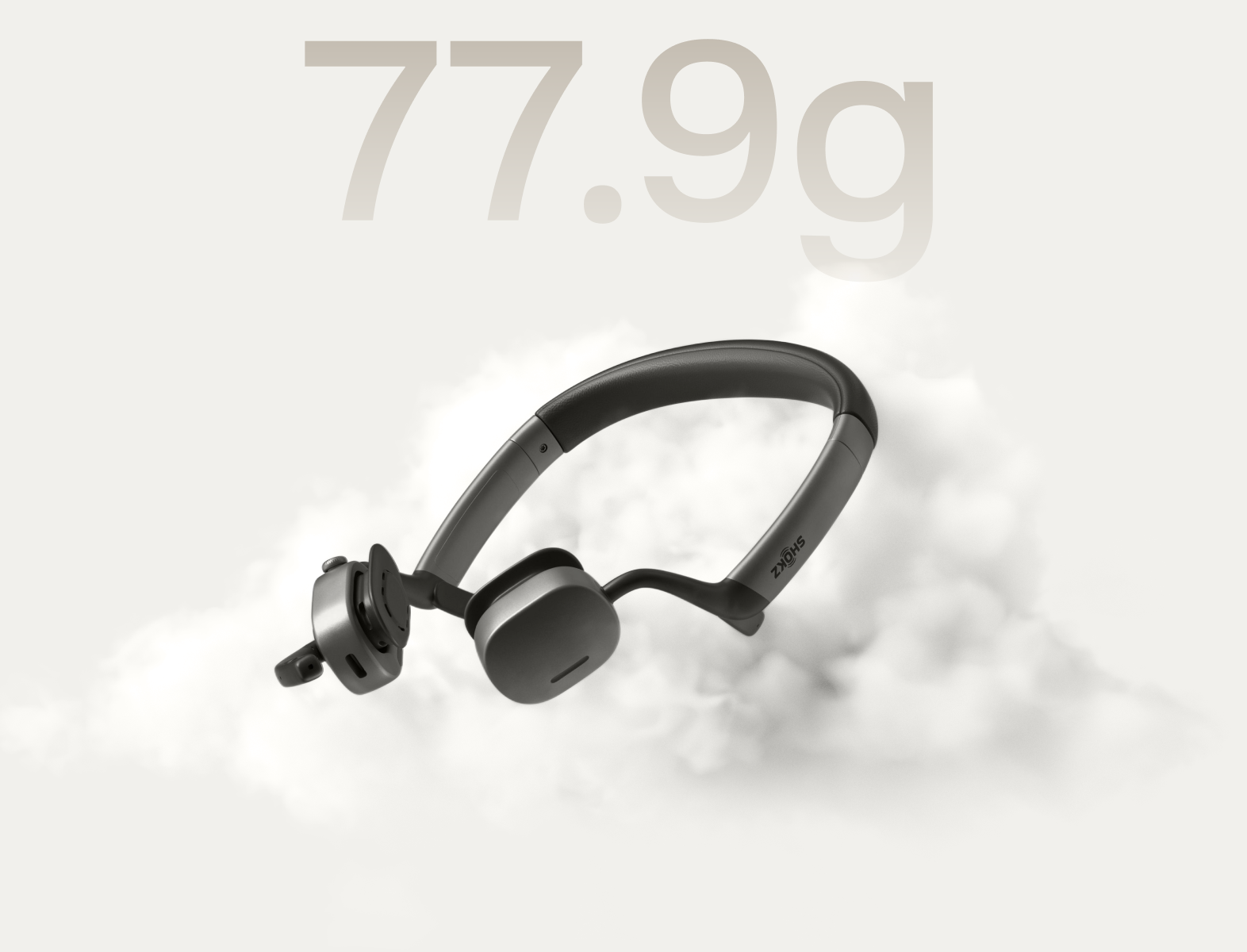
77.9 g*. Featherlight by Design.

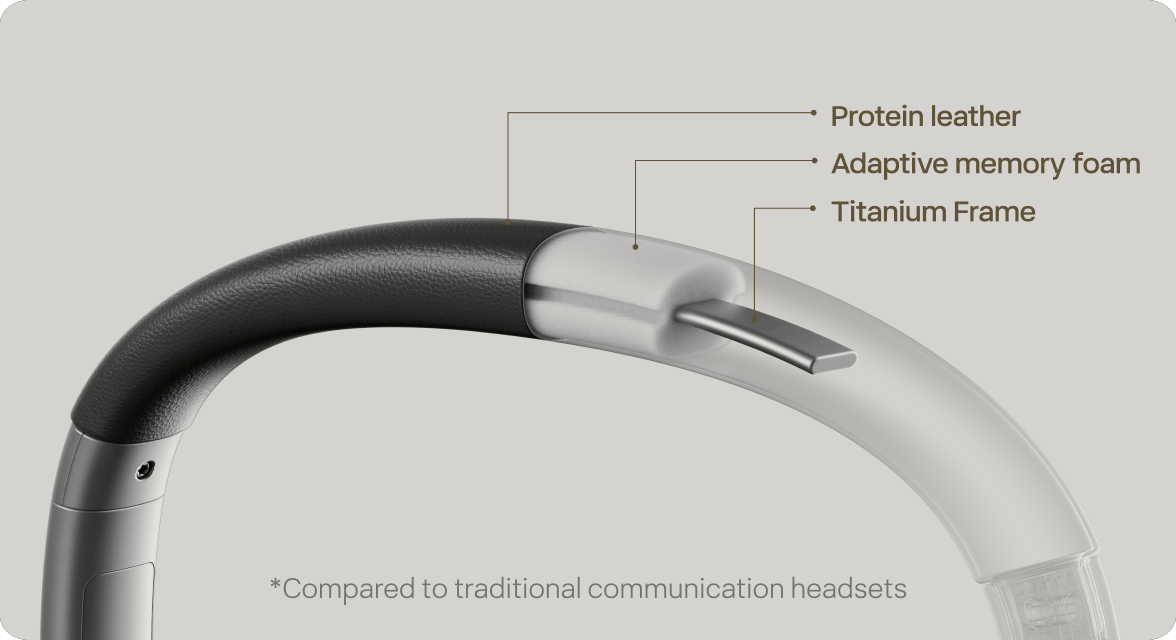
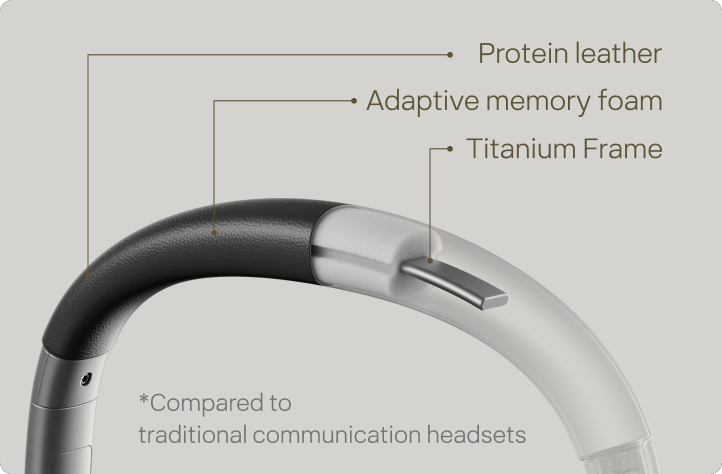
A free-form titanium frame trades traditional hard plastic and metal for adaptive memory foam and plush protein leather — softer against your head, gentler on your hair, and noticeably different from the first moment you put it on.
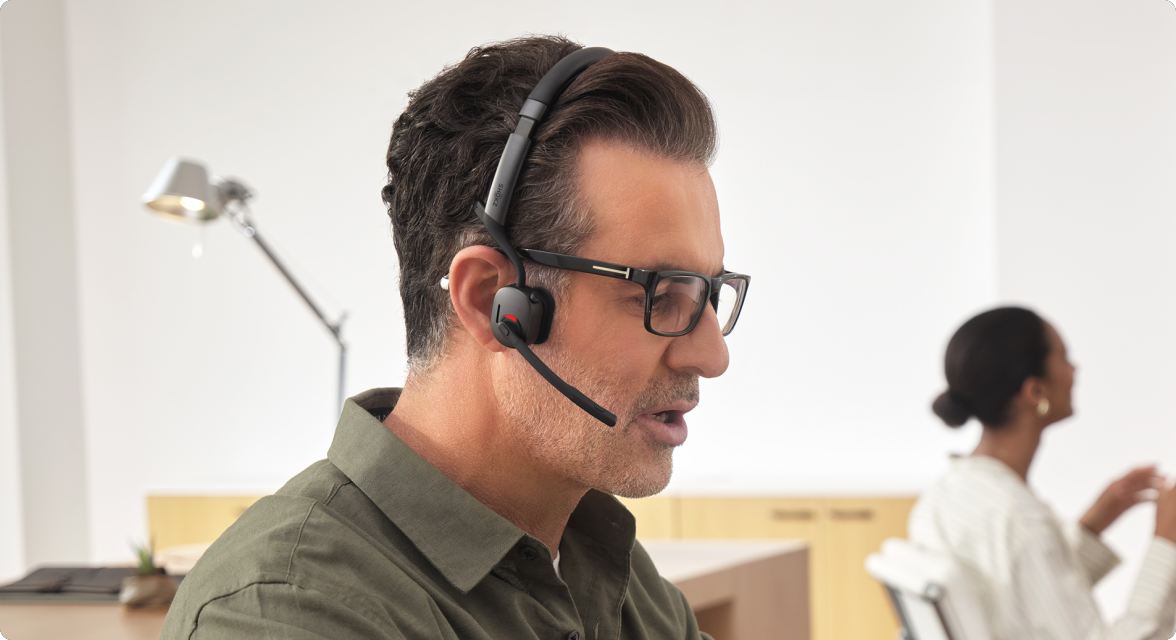

A titanium-alloy core wrapped in skin-friendly silicone delivers a fit that's secure yet comfortable. Gentle on your skin, compatible with eyewear, earrings, or hearing aids, OpenMeet2 integrates seamlessly into your day.
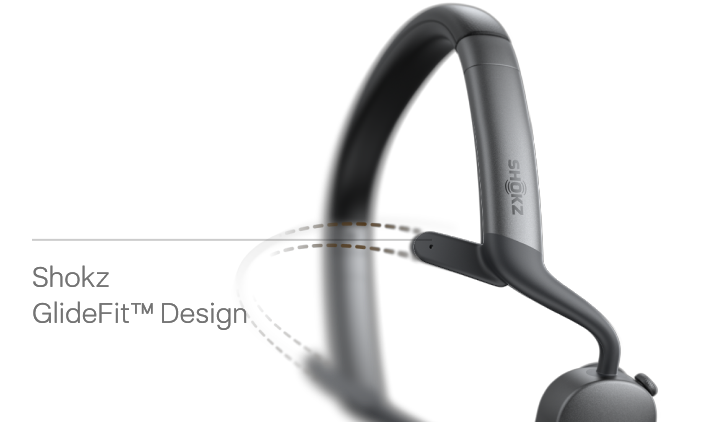
Shokz GlideFit™.
Engineered for a Secure, Stable Fit.

Shokz GlideFit™ Design
Inspired by the precision fit of premium eyewear, Shokz GlideFit™ uses an inward-contoured frame to distribute tension evenly, so the headset stays secure through every meeting, call, and coffee break.
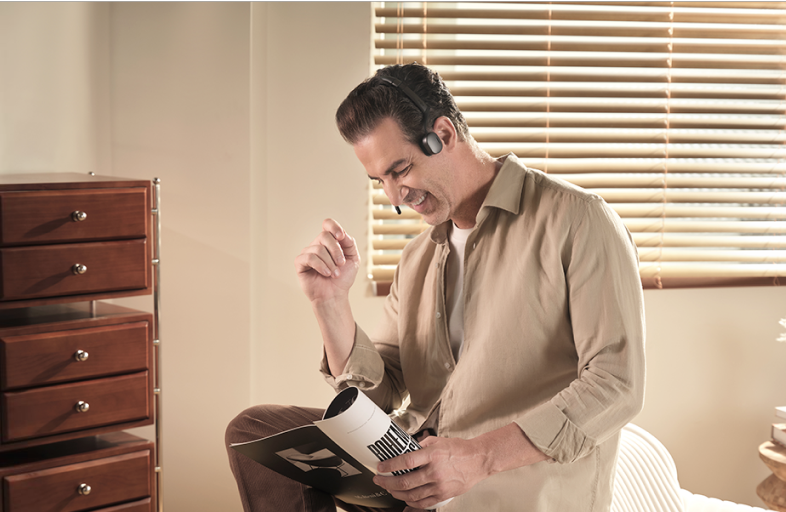
*Fit and comfort may vary by individual.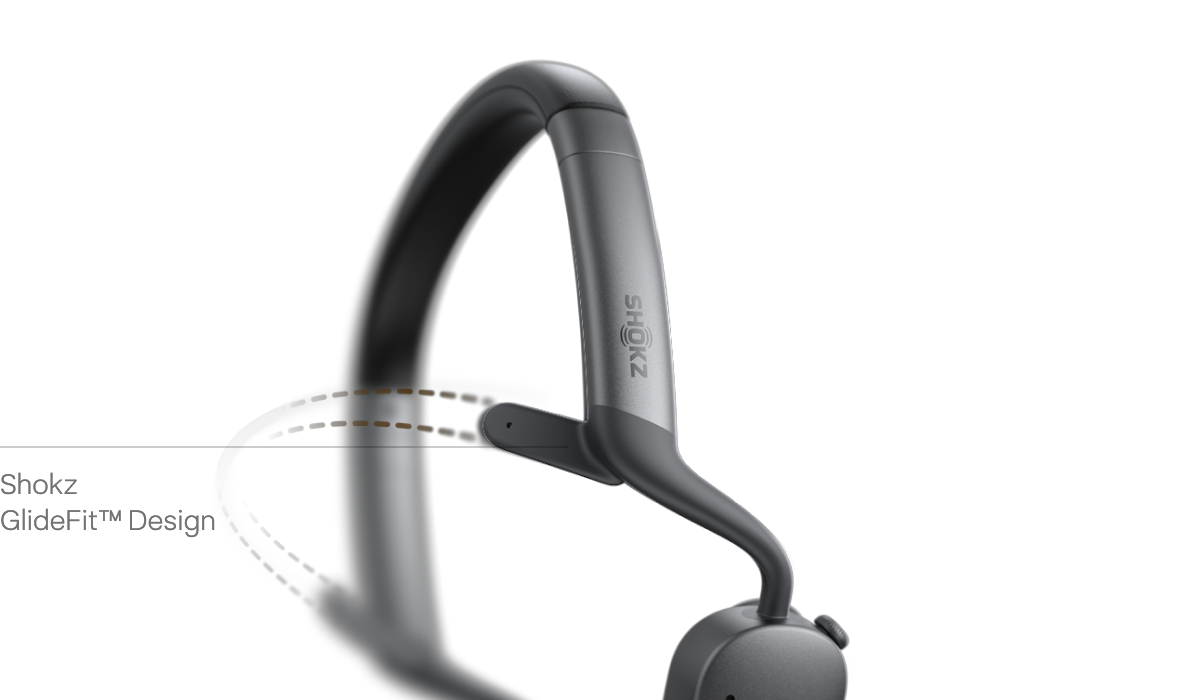
AI-Powered Call Clarity.
Crystal Clear Calls in Every Environment.
Powered by the Qualcomm® Snapdragon S3 Gen 1 Sound Platform,OpenMeet 2's dual-microphone system uses AI to isolate your voice and filter out the rest. From office chatter and keyboard clicks to a barking dog or a busy café, up to 99.4%* of background noise is eliminated — so every call is crisp and clear.
Feel the Difference


Precision Audio Crafted for Every Detail. Precise dual controls
Shokz DualPitch™ Technology fuses an air-conduction driver with a high-performance bone conduction core, tuned by a digital crossover algorithm to deliver a rich, full-range listening experience.

PremiumPitch™ 3.0 Bone Conduction Core.
The re-engineered bone conduction core extends high frequencies beyond 20 kHz, delivering crisp highs, rich mids, and deep bass for exceptional audio quality.
LeakSlayer™ 3.0 for Private Audio.
Advanced vibration control reduces sound leakage so your confidential calls stay private, even in open office environments.
Premium Speakers. Exceptional Sound.
A custom 11 mm × 21 mm large-amplitude driver powered by 4 amplifiers delivers a rich, expansive soundstage.




Open-Ear Design.Stay Present. Stay Aware.
OpenMeet2's signature open-ear design keeps your ear canals free, so you can catch a colleague's question, follow a side conversation, stay attuned to your surroundings — all without ever taking your headset off.
Zoom & Webex Certified.
Built for Seamless Collaboration.
Certified for Zoom and Webex*, OpenMeet2 delivers a gold-standard experience for every meeting. Paired with the Loop120 wireless adapter, it offers plug-and-play simplicity and a more reliable connection than direct Bluetooth pairing — ensuring performance with every platform-certified meeting.
*The headset is compatible with Zoom for Windows 8+ and macOS 10.15+.
*The headset is compatible with Webex only on Windows 10+.


All-Day Battery. And a Fast Top-Up When You Need It.
Charge while you work. Simply plug in your OpenMeet2 to power up and keep your calls going - no interruptions, no downtime.
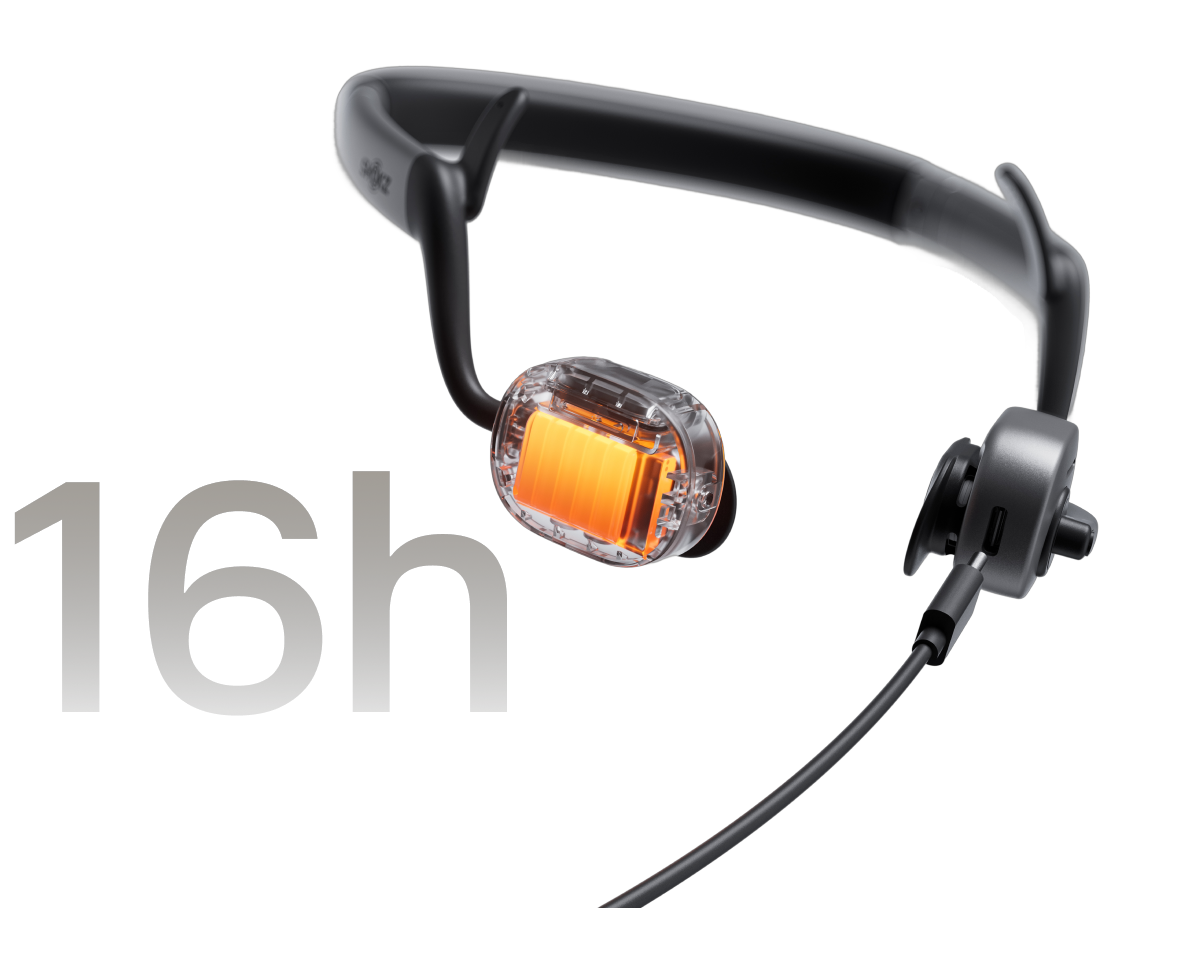
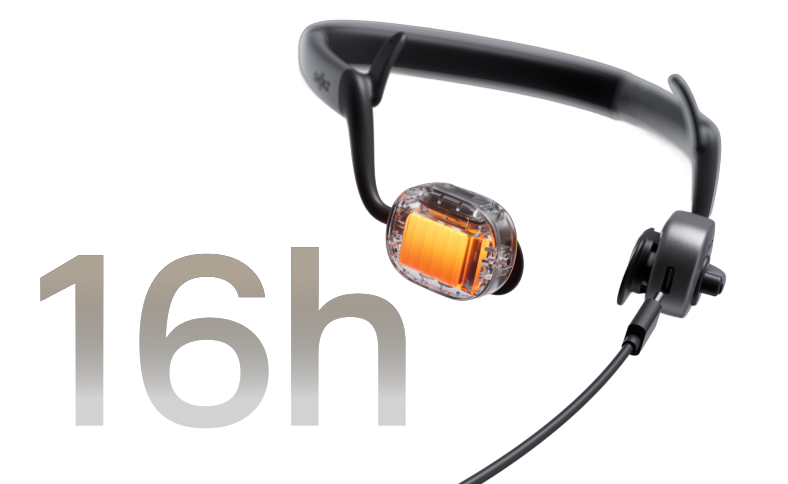
All-Day Battery. And a Fast Top-Up When You Need It.
Charge while you work. Simply plug in your OpenMeet2 to power up and keep your calls going - no interruptions, no downtime.
Seamless Connectivity. Wherever Work Takes You.
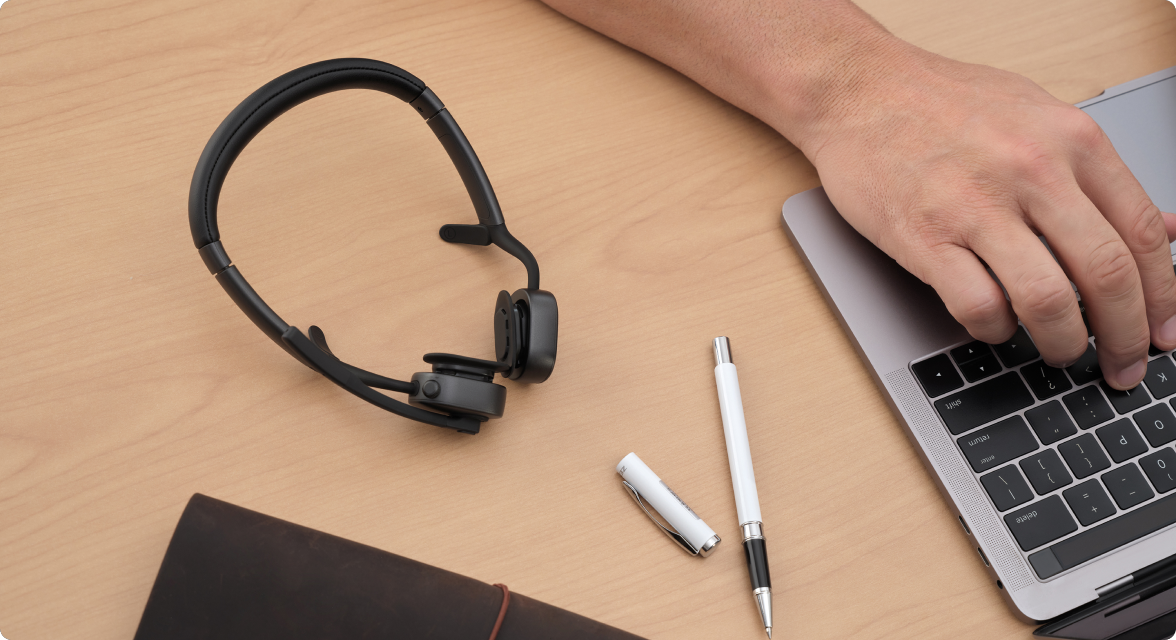
Solid Bluetooth 6.0 Connection. Unmatched Mobility.
Enjoy bluetooth simplicity with ultra-stable, a 30m (98 ft)* long-range connectivity for hassle-free travel and hybrid work.
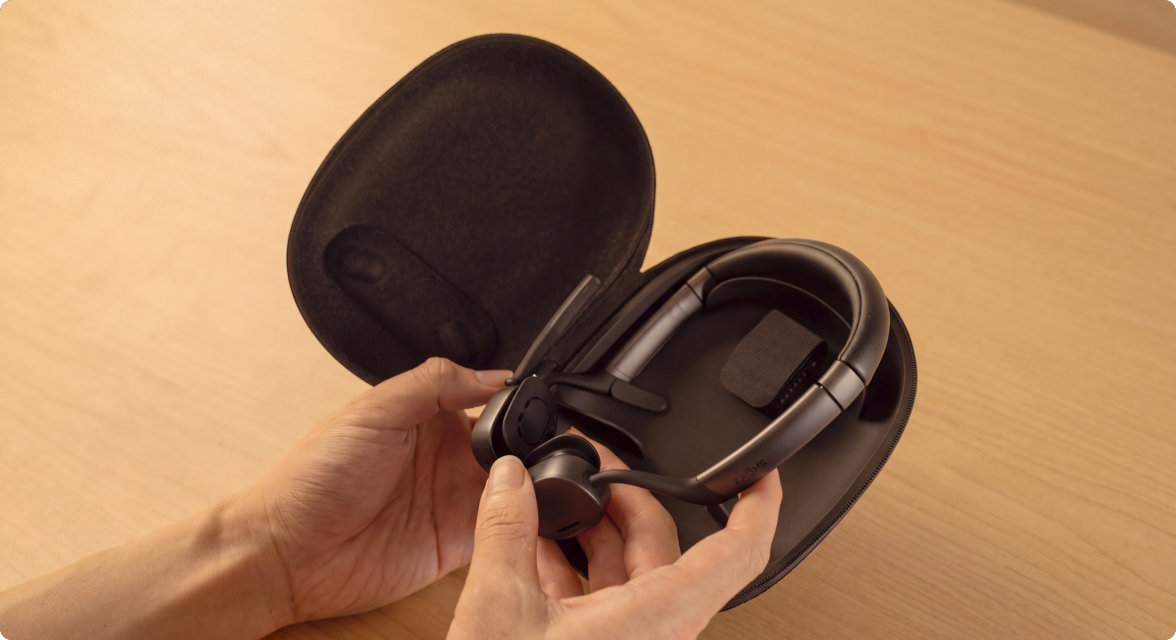
Compact Carrying Case.
Thoughtfully designed to slide effortlessly into your laptop bag, the sleek carrying case ensures your professional setup is always within reach — at home, in the office, or wherever the day takes you.
Every Control at Your Fingertips.
A precision-engineered rotary volume dial lets you navigate calls and adjust audio without breaking your focus.
Raise the boom arm to mute instantly, or press the dedicated button — 2 intuitive ways to control your calls.
A built-in red status indicator automatically alerts colleagues when you're on a call, helping you maintain uninterrupted focus without a word.
Software That Scales with Your Team.


Intelligent MultiPoint Pairing.
Seamlessly connect 2 devices simultaneously, with an 8-device memory that makes switching between your laptop and smartphone instant and hassle-free.

Precision EQ Modes.
Tailor your audio with 2 expert-tuned presets - Standard Mode for balanced listening, Vocal Booster for crystal-clear calls.
*OpenMeet 2 requires the Loop120 Wireless Adapter to use Shokz Connect.
Shokz Connect
Shokz App


overview

1. Open-Ear Audio Comfort
2. 77.9 g*. Every Gram Considered.
3. Shokz GlideFit™
4. Precision Audio
5. AI-Powered Call Clarity
6. Zoom & Webex Certified
7. Up to 16 Hours Playback*
8. Bluetooth 6.0
9. Flip-to-Mute
What's in the Box


OpenMeet2 UC
Carrying Case * 1
USB2.0 CM-CM Data Cable * 1
User Manual * 1
Legal Statement * 1
Warranty Card * 1
Shokz Loop 120 USB-A/USB-C Wireless Adapter * 1
FAQ
| Product | OpenMeet2 | OpenMeet2 UC |
|---|---|---|
| Wireless Adapter | × | √ |
| Zoom & Webex Certified | × | √ |
| Shokz Connect for PC | × | √ |
| Shokz App for Mobile Device | √ | √ |
OpenMeet2 UC consists of an OpenMeet2 headset and a Loop120 Wireless Adapter. It offers both Bluetooth and dongle connectivity. If you purchase the OpenMeet2 headset, it does not include the Loop120 Wireless Adapter, and you can only connect via Bluetooth (Note: The Loop120 Wireless Adapter can be purchased separately if needed in the future). OpenMeet2 UC is perfect for office environments, providing a more stable wireless connection than Bluetooth, and coming with Zoom and Webex certification, ensuring uninterrupted productivity. If you primarily work on a computer, OpenMeet2 UC would be the better choice.
Please check the following steps:
1. Confirm that the headset is successfully connected to your device.
If you are using a wireless adapter to connect to a computer, make sure the headset is powered on, the adapter displays a solid cyan light, and the headset voice prompt says "PC Connected." If you are connected to a mobile device, make sure OpenMeet2 appears as Connected in the Bluetooth device list, and the headset voice prompt says "Device 1 Connected" or "Device 2 Connected."
2. Confirm that OpenMeet2 is selected as the audio input/output device.
If you are using a wireless adapter to connect to a computer, go to your computer’s audio settings and select Loop120 as both the input and output device. Also, ensure the Loop120 is selected as the audio device within your meeting software settings (e.g., Microsoft Teams, Zoom, Webex). If you are connected to a mobile device, select OpenMeet2 as the audio output device in the playback or call interface.
If the microphone or speaker still does not work after completing the steps above, try resetting the headset and the wireless adapter, then reconnect the device.
If the issue persists, please contact our customer support team for further assistance.
Please follow the steps:
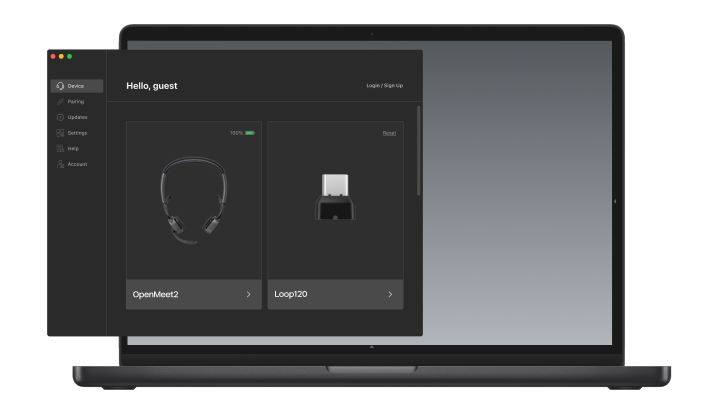
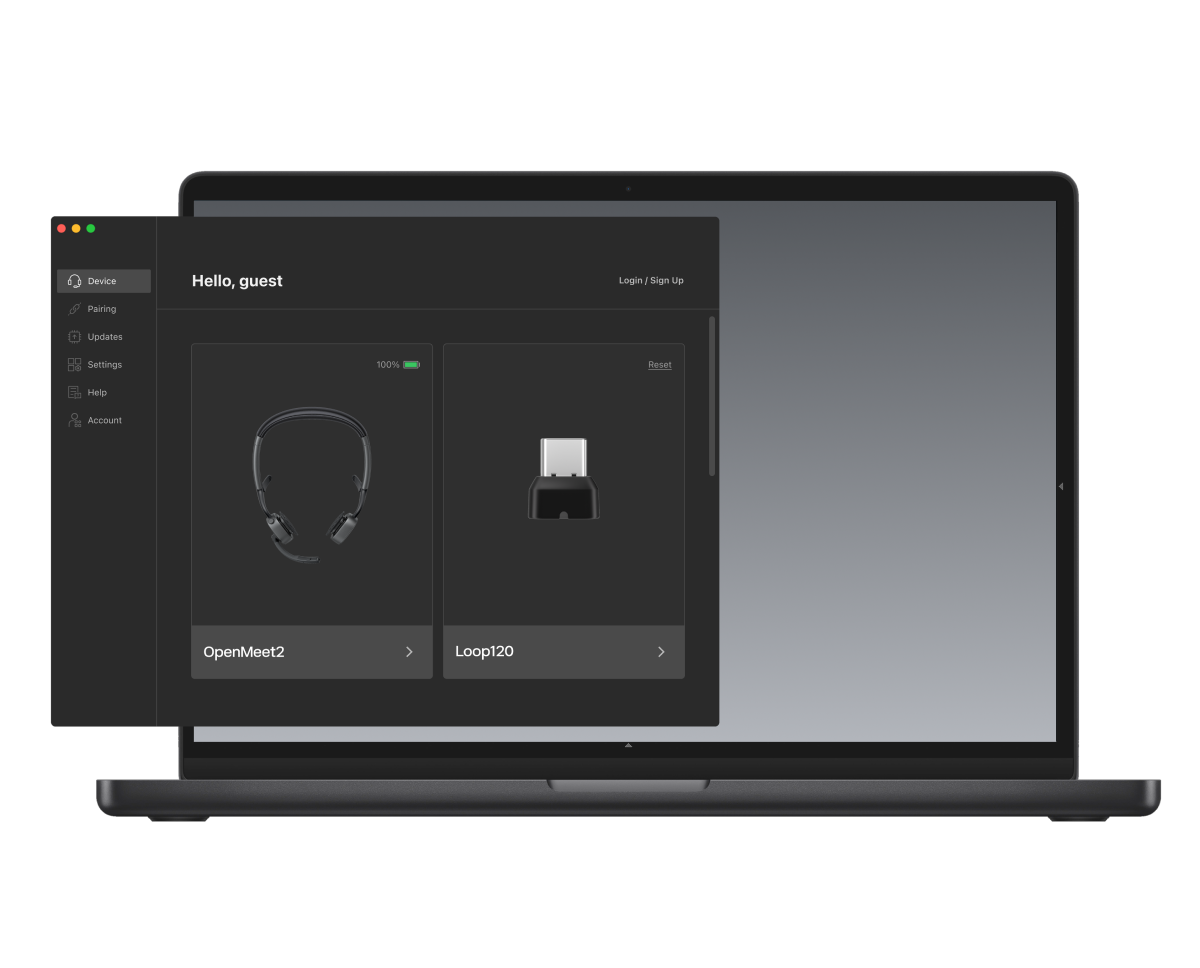
1. Plug Shokz Loop120 into the PC.
2. OpenMeet2 UC pairs and connects with Shokz Loop120.
3. When the Shokz Connect interface displays "Loop120" and "OpenMeet2 UC," it means the connection was successful.
To mute the microphone, click the Mute Button once during a call while the microphone is unmuted, or move the Microphone Boom Arm up.
To unmute the microphone, click the Mute Button once during a call while the microphone is muted, or move the Microphone Boom Arm down.
The headset is capable of connecting to two devices simultaneously, such as computers and mobile devices.
To pair to mobile devices, make sure your headset is powered off, then:
1. Press and hold the Multifunction Button until the LED flashes red and blue alternately.
2. Select "OpenMeet2 by Shokz" in your device's Bluetooth settings.
No. This headset is not water-resistant. You can use it in your office or at home. To avoid damage, we recommend keeping the headset away from water.
Manuals/Guides
- Data from the Shokz testing laboratory shows that actual weight may vary by ±1g due to product configuration and manufacturing processes; please refer to the physical product.
- Shokz OpenMeet2 features AI noise reduction technology designed to reduce environmental noise while preserving human voices. Internal simulations conducted by Shokz Lab suggest that this technology can achieve a signal-to-noise ratio improvement of approximately 42 dB, corresponding to a potential 99.4% reduction in ambient noise, along with effective reduction of loud echoes. Note that actual performance may vary depending on environmental conditions..
- Data regarding the 16-hour playback time is provided by Shokz Professional Laboratories. Under standard atmospheric pressure, a fully charged headset can deliver up to 16 hours of music playback under the following test conditions: music volume set to 7 levels below the maximum on an iPhone 17, and all other functions set to default. Actual battery life will vary based on volume, device connection, and individual usage.
- Data regarding the 12-hour talk time is provided by Shokz Professional Laboratories. Under standard atmospheric pressure, a fully charged headset can deliver up to 12 hours of talk time under the following test conditions: Busylight off, a 3:7 talk-to-listen ratio, and volume set to 8 levels below the maximum on an iPhone 17. Actual battery life will vary based on volume, device connection, and individual usage.
- Data regarding the standby time is provided by Shokz Professional Laboratories. When fully charged, connected to a Bluetooth device, and with the Auto-Sleep function disabled, the headphones offer up to 14 days of standby time. Under default settings, the headphones will automatically enter sleep mode after 4 hours of inactivity. You can adjust the Auto-Sleep timer or disable the feature via the Shokz App or Shokz Connect. Actual standby duration may vary based on volume, audio source, environmental interference, enabled features, and usage habits.
- Data regarding the quick charge feature is provided by Shokz Professional Laboratories. Under default settings at room temperature (23±3°C) after discharging the headset's battery entirely until automatic shutdown, a 5-minute charge can deliver up to 2 hours and 6 minutes of talk time under the following test conditions: volume set to 8 levels below the maximum on an iPhone 17, a 3:7 talk-to-listen ratio, and Busylight turned off. Actual battery life after charging will vary based on volume, audio source, environmental interference, product features, and individual usage.
- Actual Bluetooth transmission speed and range may vary depending on environmental factors, product features, and usage habits. For the most accurate performance, please refer to your actual usage conditions.
